
Quick Summary: To set up and use a cold wallet, you need to buy it from an official source, write down and protect your recovery words, install the official app, confirm addresses on the device, and physically approve every transaction so your keys stay offline and safe.
A cold wallet gives you that ultimate control by keeping your private keys totally offline and away from dangerous hackers. It usually looks like a small, unassuming USB drive, but it actually acts like a high-security bank vault that fits right inside your pocket. You might feel a little bit nervous about learning how to use a cold wallet alone for the first time, but the whole process is actually pretty simple if you just follow the right steps carefully.
I will guide you through exactly how to set up and use a cold wallet with a real-world live example style so you can follow along easily.
How to Set Up a Cold Wallet for Cryptocurrency? (Beginners Guide)
Setting up a cold wallet doesn’t require special technical knowledge. Most brands follow similar steps, whether you choose a USB‑style device from Ledger or Trezor or a card‑based device like Tangem.
- Purchase from a trusted source. Buy directly from the manufacturer’s website or an authorized retailer. This reduces the risk of receiving a tampered device.
- Unpack and check the contents. Your box should contain the wallet, a cable, a quick‑start card, and blank cards for your recovery words. Look for intact seals and no signs of previous use.
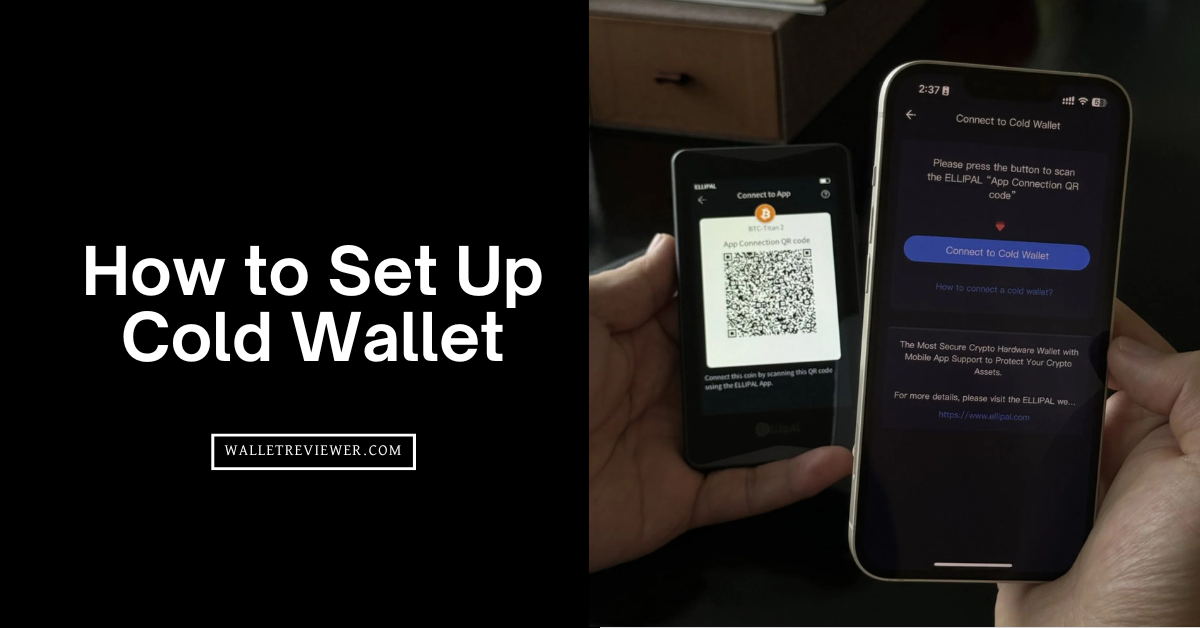
- Install the official app and connect. Download the manufacturer’s app (Ledger Live, Trezor Suite, etc.) from their website or app store. Connect your wallet via USB, Bluetooth, or NFC as instructed. Let the app install any firmware updates; they fix bugs and improve security.
- Create a new wallet and set a PIN. Turn on the device and choose to create a new wallet. Pick a PIN of several digits. This PIN locks the device and must be entered each time you use it.
- Write down your recovery phrase. The device will show a list of words (commonly 12 or 24). These words are your key to recovering funds if the device is lost. So just write them down exactly as shown on the provided card. Never store the words digitally. Many people make two paper copies and keep them in separate secure locations.
- Confirm the phrase and add accounts. The device will ask you to confirm some of the words. After that, open the companion app and add accounts for the coins you intend to hold, such as Bitcoin or Ethereum.
- Send a small test deposit. By the way, before moving larger amounts, you should send a tiny amount of crypto to your new address. Verify the address on the device screen before sending. Once the test arrives, you know everything is configured correctly.
Note: You can check out my list of the best cold storage wallets and best hardware wallets for beginners.
How to Use a Cold Wallet to Send and Receive Bitcoin?
After setup, you can use your cold wallet to receive or send Bitcoin. The device signs transactions internally while keeping your keys offline. The same pattern applies to other cryptocurrencies.
Receiving Bitcoin
- Open your Bitcoin account. Launch the companion app and select the Bitcoin account.
- Generate a receive address. Click “Receive” to get a new address and QR code.
- Verify on the device. Compare the address in the app to the one shown on the wallet’s screen. They must match exactly.
- Share the address or QR code. Copy and paste it into your exchange withdrawal form or let the sender scan the QR code.
- Wait for confirmations. After the transaction is broadcast, wait for network confirmations. Your app will show the updated balance when it’s complete.
Sending Bitcoin
- Get the recipient’s address. Ask for their Bitcoin address or scan a QR code. Double‑check the characters to avoid errors.
- Enter the details in the app. Open your Bitcoin account, click “Send,” and paste the address. Enter the amount you want to send.
- Review and confirm. The app shows a summary with the amount, fee, and destination. Make sure it’s correct, then approve on the hardware device. The wallet signs the transaction, and the app broadcasts it to the network.
Security Tips to Use a Cold Wallet
A hardware wallet provides strong protection, but good habits are still important. Generally, these simple routines act as a safety net:
- Buy new hardware. Do not buy second‑hand devices because they could be compromised.
- Keep your recovery words offline. Write them on paper or metal and never store them on a phone or computer.
- Use a unique PIN and consider a passphrase. Select a PIN that is not obvious. Some wallets allow an additional passphrase, which creates a second layer of protection.
- Update firmware through the official app. Regularly check for updates and install them. Updates patch security flaws.
- Verify addresses on your device. Always compare the address displayed on your computer with the one on the hardware screen to prevent address switching attacks.
What is a Crypto Cold Wallet?
A crypto cold wallet is a physical device that stores your private keys in a secure chip offline. It does not remain connected to the internet. When you send funds, the wallet signs the transaction internally, and then the signed message is sent through the companion app. Because the keys never leave the device, malware on your computer or phone cannot steal them.
Hot wallets live on your phone or in your browser and keep the keys on that device. They are convenient for day‑to‑day transactions but are more exposed to hacking or phishing. The table below highlights the main differences.
| Feature | Cold Wallet | Hot Wallet |
|---|---|---|
| Where keys live | Secure chip offline | Phone, computer, or browser |
| Internet access | Connects only when signing | Always online |
| Security level | High | Medium to low |
| Ease of use | Requires separate device | Very convenient |
| Cost | One‑time purchase | Usually free |
| Ideal use | Long‑term storage | Daily spending |
List of Top Cold Wallets Today
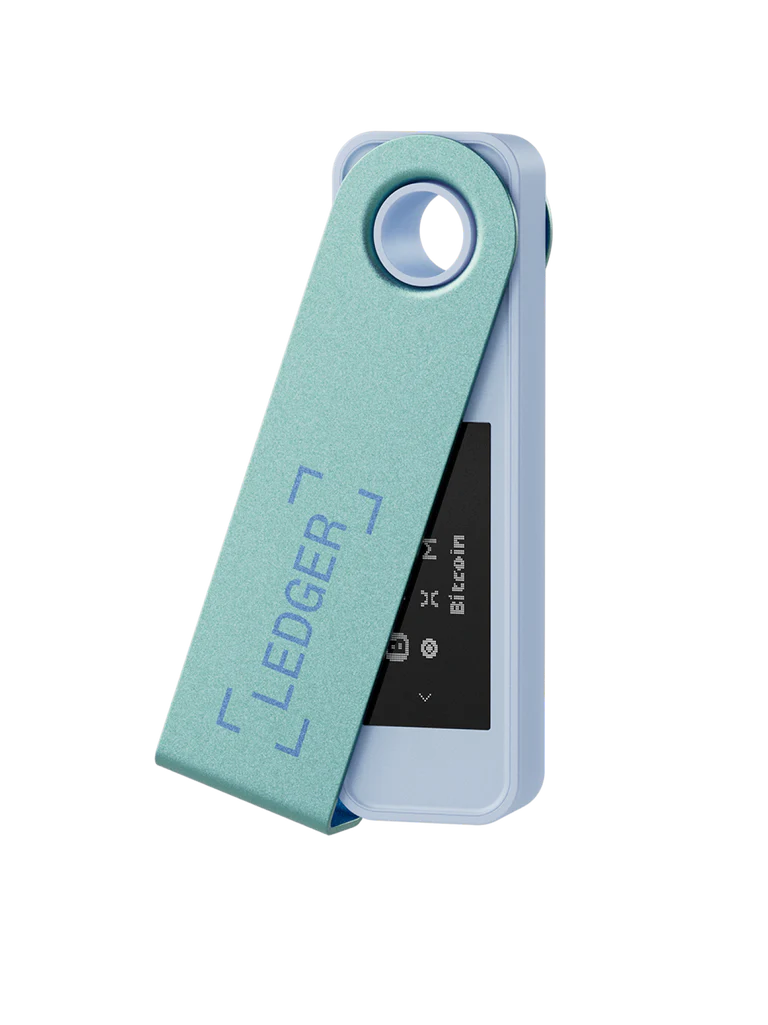
| Wallet | Approx. Price | Key Points |
|---|---|---|
| Ledger Flex | $249 | E‑Ink touchscreen; EAL6+ chip; Bluetooth |
| Ledger Nano X | $149 | Supports 5,000+ assets; Bluetooth; stores 100 apps |
| Trezor Safe 5 | $169 | Open source; color touch screen; secure element |
| OneKey Pro | $278 | Four secure chips; large screen; QR code signing |
| SafePal S1 Pro | $89.99 | Air‑gapped via QR; self‑destruct feature |
| Tangem Wallet | $54.90–$69.90 | NFC card set; no seed phrase needed; supports 16,000+ assets |
| NGRAVE Zero | $398 | EAL7 certification; biometric lock; graphene backup option |
| Cypherock X1 | $199 | Splits keys across vault and cards; supports 9,000+ assets |
Conclusion: Cold Storage Wallet Set Up Guide
A cold wallet is more than a device; it’s a way of taking charge of your crypto. Buying from trusted sources, writing down your recovery words, verifying addresses, and keeping your keys offline are simple habits that protect your assets. Once you’re set up, sending and receiving Bitcoin is just a matter of double‑checking details and pressing a button on the device.
Cold wallets add a small amount of friction compared to software wallets, yet the peace of mind they provide makes that effort worthwhile. With hacks and exchange failures still making headlines, holding your own keys is the surest way to safeguard your digital wealth. By the way, whether you pick a card‑based Tangem, a polished Ledger, a transparent Trezor, or a high‑security NGRAVE, you’ll be doing the right thing for your future. Keep your device and seed words safe, keep your firmware up to date, and enjoy the confidence that comes from knowing you control your crypto.